
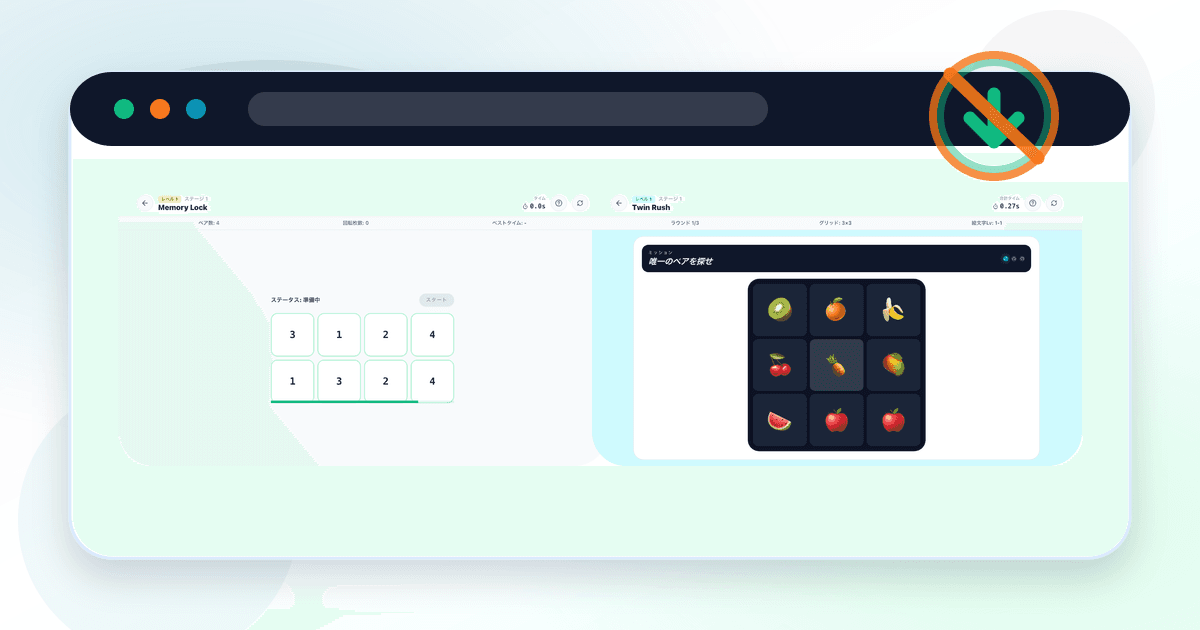
Free Brain Games With No Download: How to Choose
If you want free brain games with no download, start with browser games that open from a link, explain the rules quickly, and let you try one short round before creating an account.
Contents
What no download means
A no-download game runs in the browser, so you can try it on a phone, tablet, or computer without visiting an app store.
It is still worth checking ads, sign-in prompts, readability, and whether the free access has limits.
Types of browser brain games
Classic puzzles
How it starts
Open sudoku, 2048, word games, or chess puzzles.
What to check
Ads, saving, mobile usability.
Brain training services
How it starts
Create an account or try a limited free tier.
What to check
Daily limits and paid upgrades.
Short browser games
How it starts
Open one round and play immediately.
What to check
Session length, clear results, no app install.
Brain Arena
How it starts
Try Memory Lock, Twin Rush, or Stop Spot in the browser.
What to check
Which challenge style fits you.
| Type | How it starts | What to check |
|---|---|---|
| Classic puzzles | Open sudoku, 2048, word games, or chess puzzles. | Ads, saving, mobile usability. |
| Brain training services | Create an account or try a limited free tier. | Daily limits and paid upgrades. |
| Short browser games | Open one round and play immediately. | Session length, clear results, no app install. |
| Brain Arena | Try Memory Lock, Twin Rush, or Stop Spot in the browser. | Which challenge style fits you. |
Check free access and sign-in
Free can mean fully free, a free trial, a daily quota, or ad-supported access. For a first try, choose a game that starts before it asks for much information.
For a broader comparison, see the free online brain training games guide.
Brain Arena games you can play without download
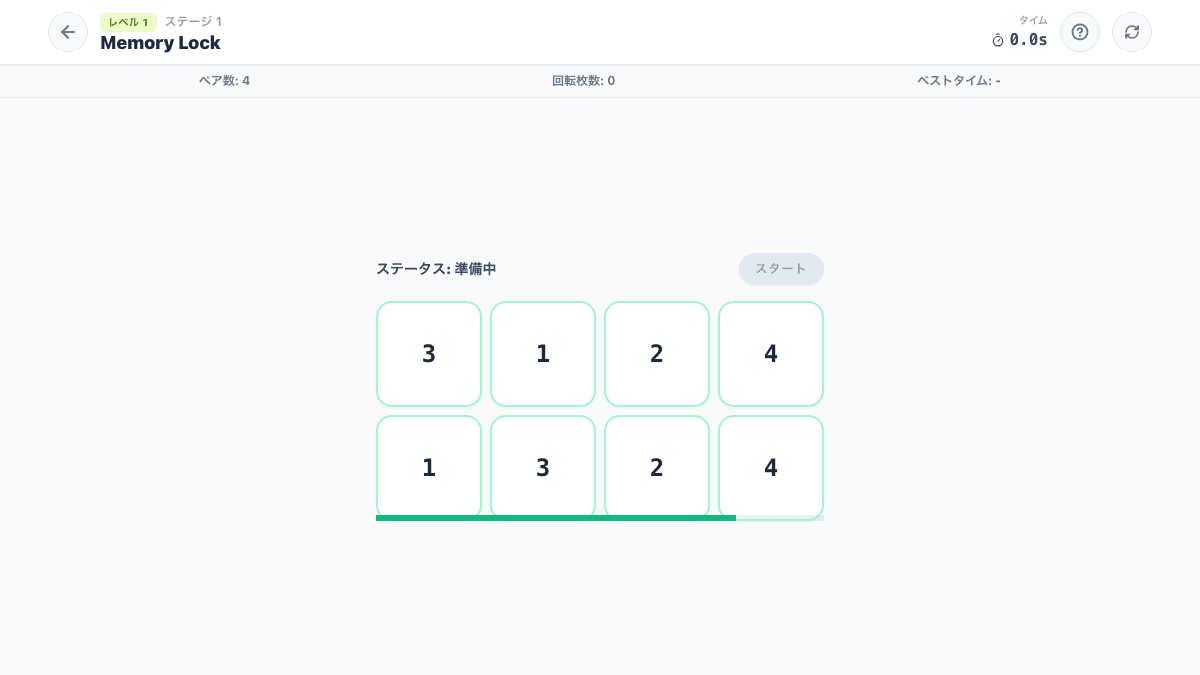
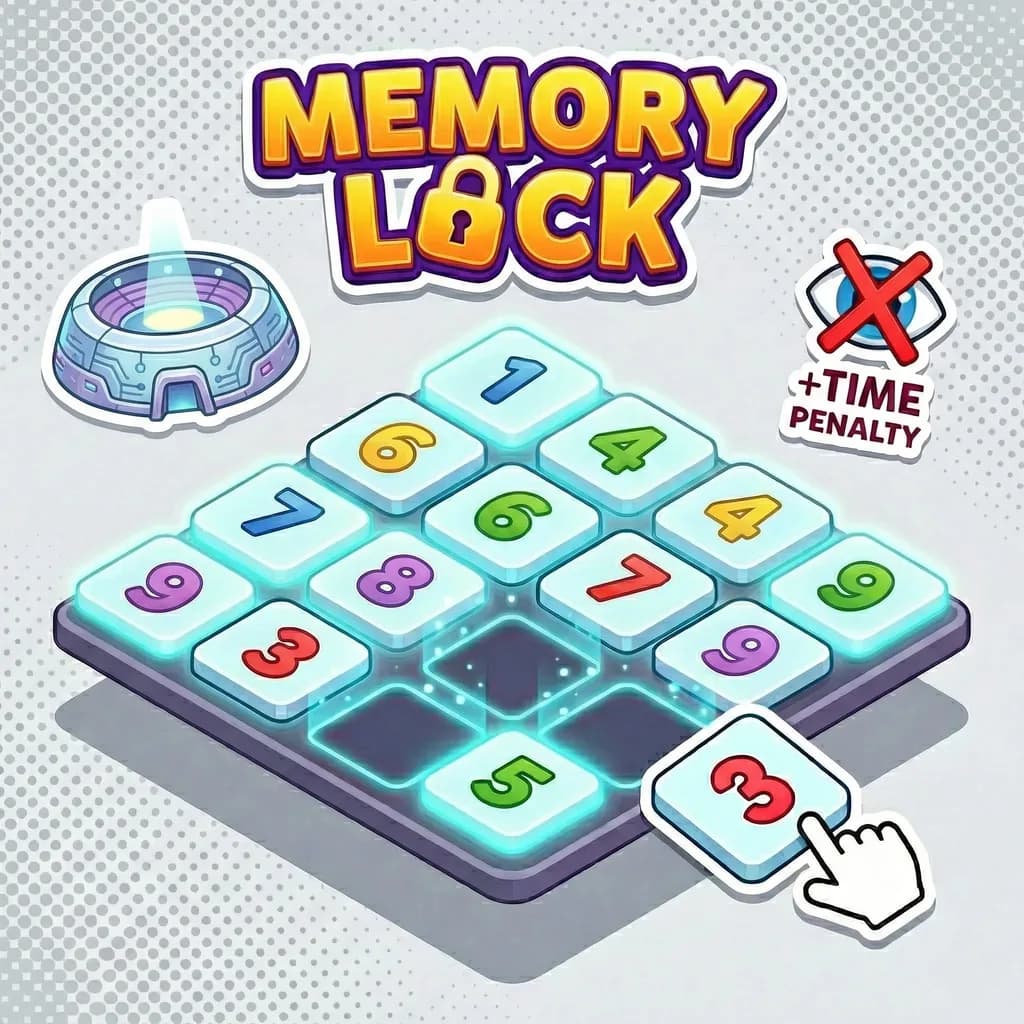
Memory Lock is a short memory game about remembering card positions.
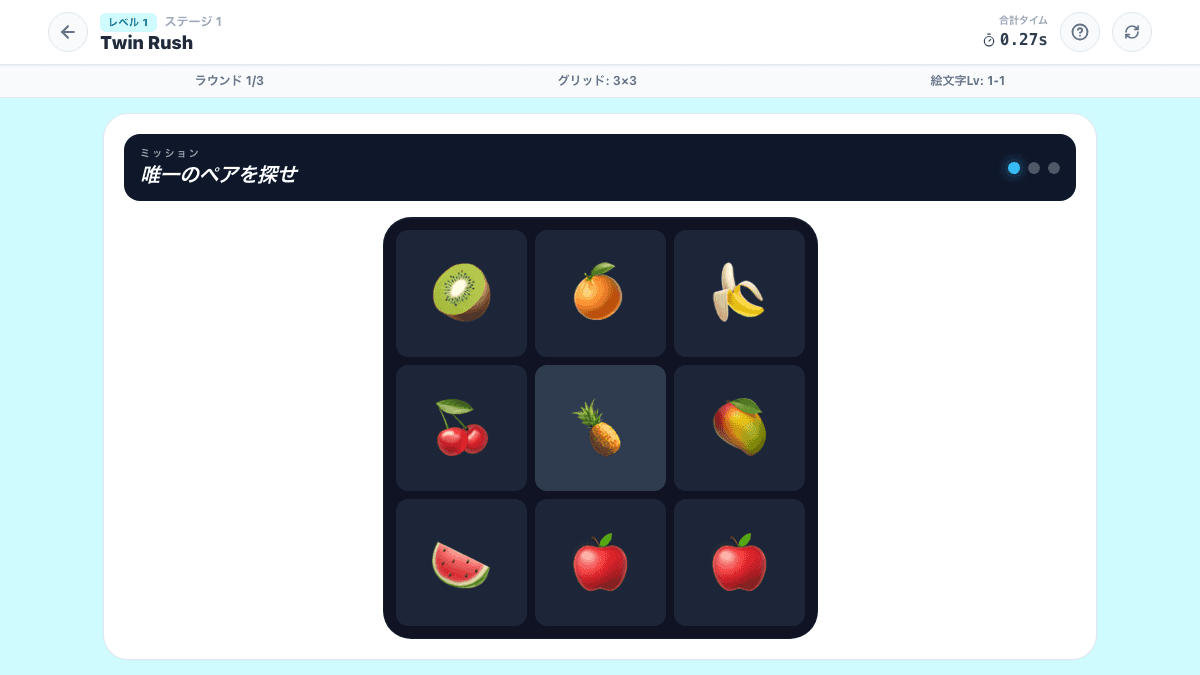
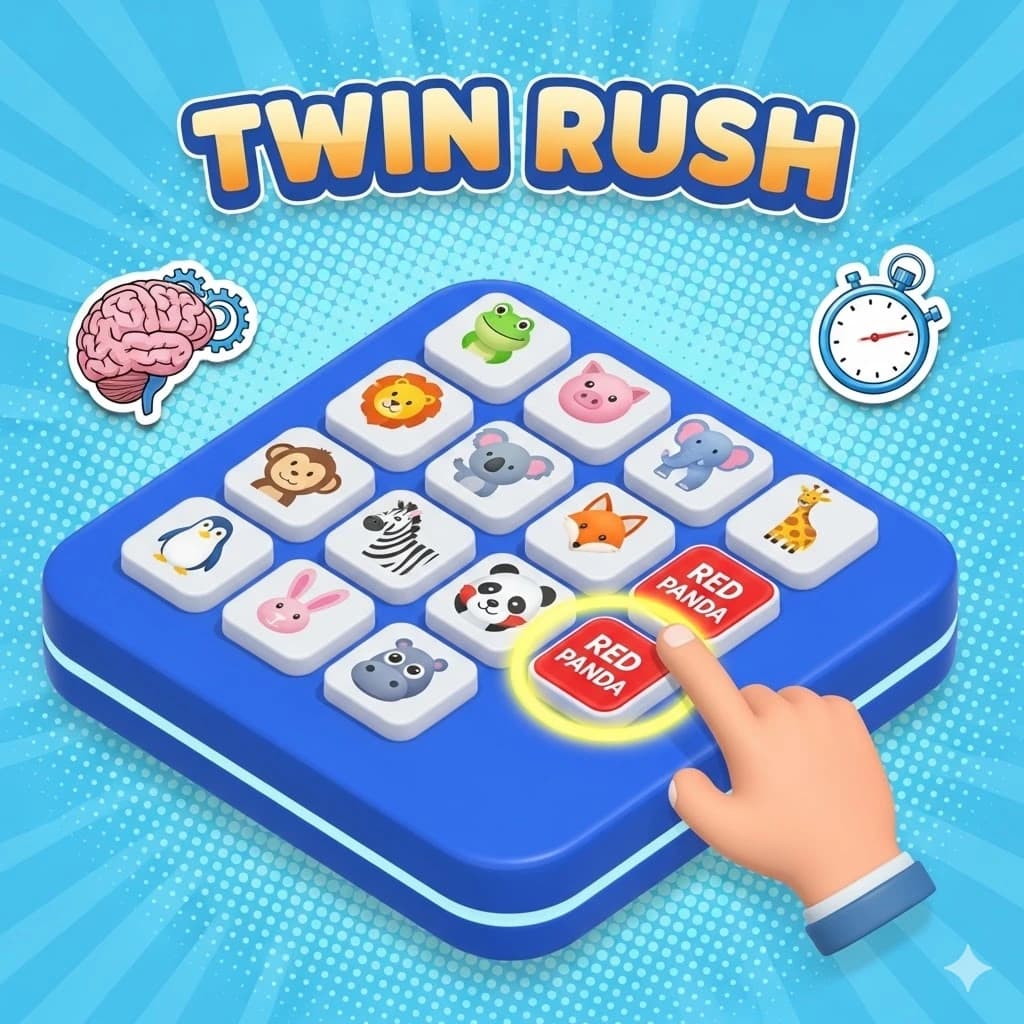
Twin Rush asks you to find matching pairs quickly.
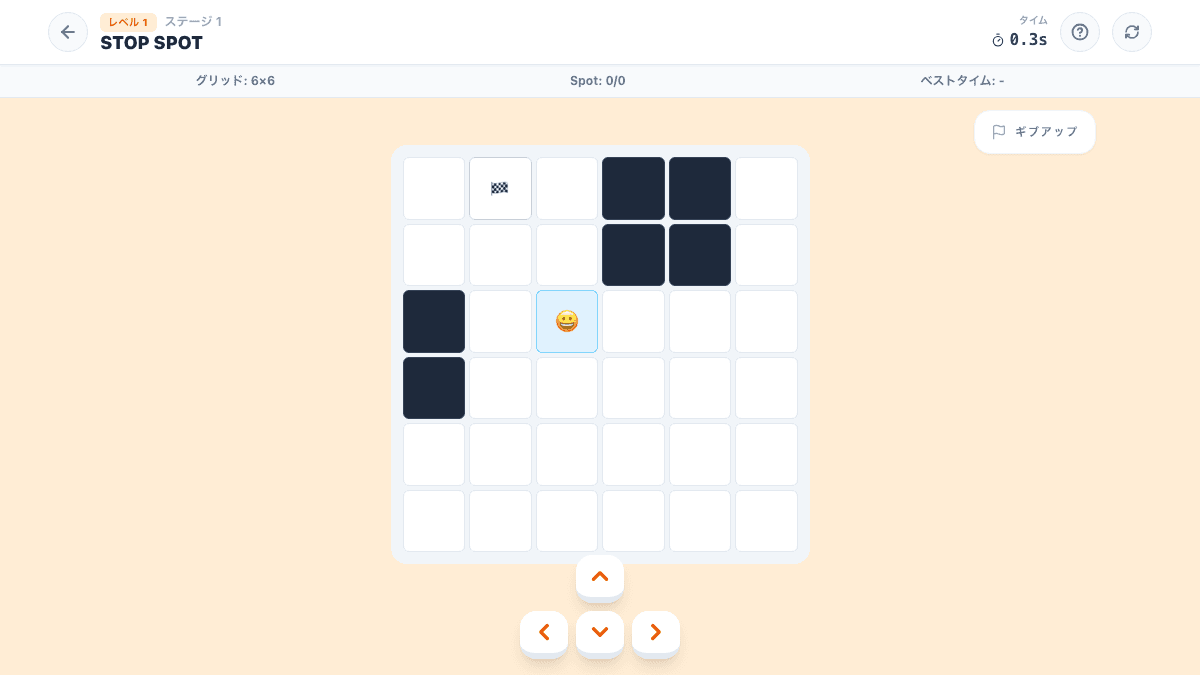
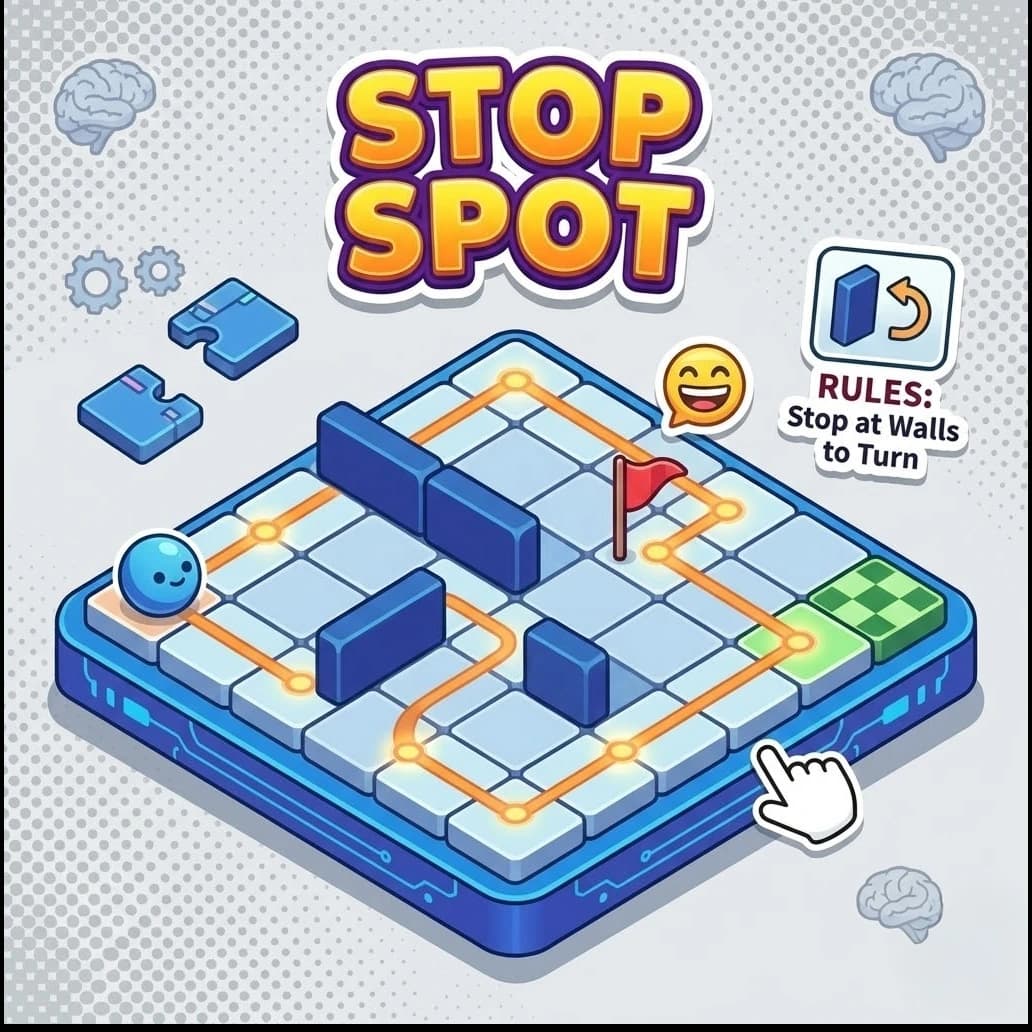
Stop Spot is a route puzzle where planning matters more than speed.
Start with a featured game
Choose one of these 3 types (memory / focus / planning) and try a stage. Each one can be started without signing in.
A simple order before installing an app
Play one round first, then decide whether the rules, controls, and result screen are clear. Brain games should feel like games, not a medical test or a forced routine.
Play a game that interests you
Choose one game and try a single stage first. You can start without signing in.
FAQ
Yes. The Brain Arena games introduced here run in the browser, so you can open a game page and try a short round.
Normal games can be tried without signing in. Account features can be considered later if you want more history.
Both work. A phone is quick for trying a link, while a desktop can be easier if you prefer a larger screen.
Check whether ads cover the game, whether sign-up is forced, and whether the buttons and rules are clear.
Try Memory Lock for memory, Twin Rush for quick matching, or Stop Spot for calmer route planning.